Every time someone told me to move the phone out of the bedroom, I asked the same question back: then what about my alarm? That one question kept the phone at my bedside for years. The answer turned out to be simpler than I thought. Getting around to testing it was the hard part.
If the alarm is the reason, the first answer is to keep the phone in the bedroom but out of arm's reach of the bed. When turning it off requires standing up and walking, the alarm works better and the bedtime phone drifts away on its own. The second answer is a ten-dollar alarm clock that moves the phone out of the bedroom entirely. I ended up going with the second.
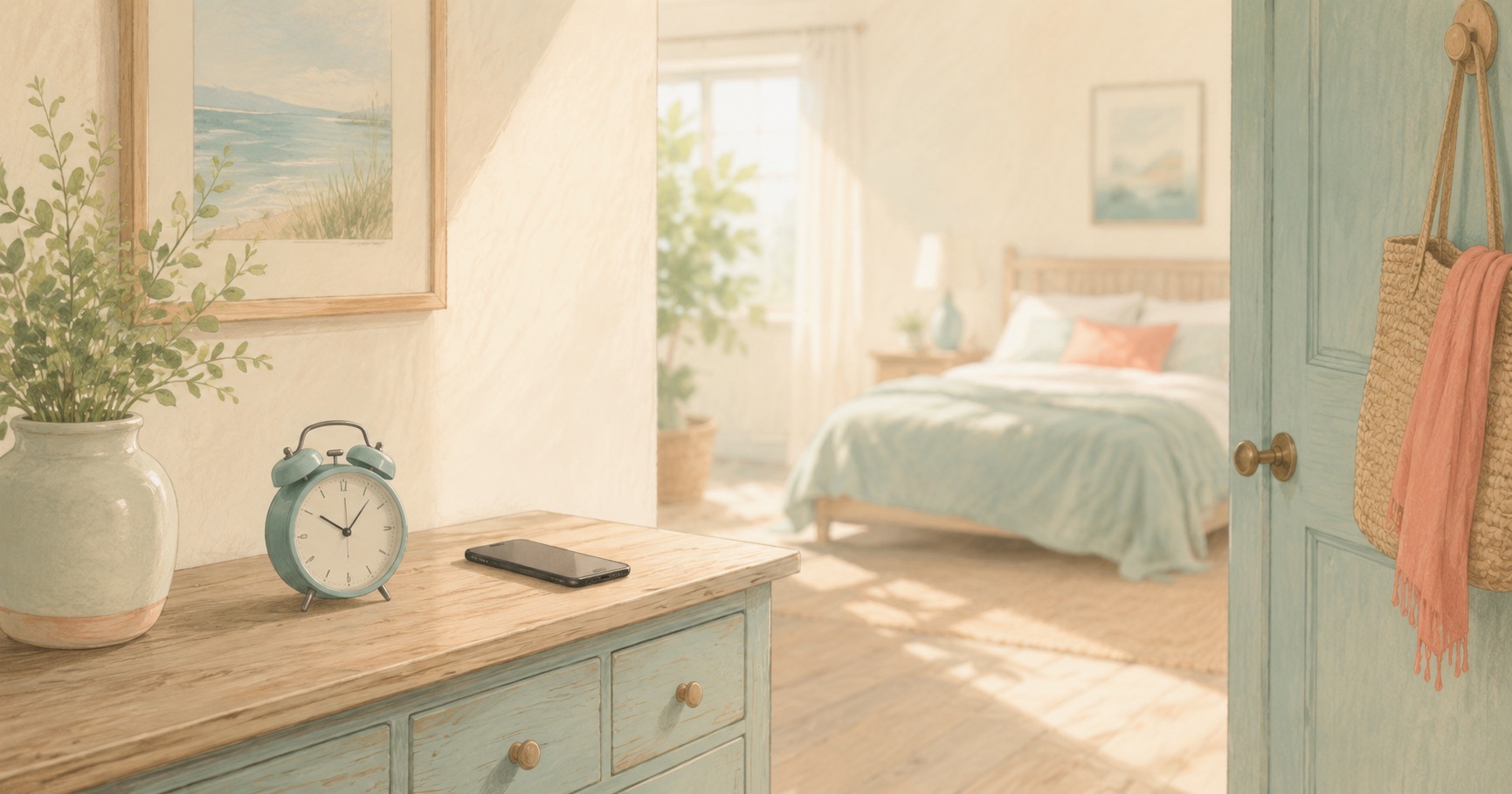
One test decides the spot: unreachable from where you lie. The nightstand fails the test. A dresser across the room, a desk, a shelf by the door all pass. When the alarm rings you have to get up and walk to it, and a body that has already walked finds it easier to head for the bathroom than back under the covers.
The real payoff of this placement arrives at night. Looking at the phone before sleep now requires leaving the bed, so the hassle blocks the phone on your behalf. The first time I moved mine across the room, my before-bed phone time fell by half, and it was the distance doing the work, not my willpower.
Distance is half of it. The other half is making sure the phone doesn't call to you at night. The alarm should ring and everything else should stay quiet.
| Do this | Why | How |
|---|---|---|
| Lay it face down | So notification light doesn't wash the room | Face down on the dresser |
| Schedule do-not-disturb | Keep the alarm, silence the notifications | From bedtime to wake time |
| Put the charger at that spot | So charging is never the excuse for the nightstand | Use the outlet by the dresser |
| Make dismissing a two-step job | So a half-asleep hand can't silence it and drift off | An alarm app's dismissal task, or a second alarm |
Do-not-disturb lets alarms through, so no worry there. Register the numbers that truly must reach you, family or your kid's daycare, as exceptions.
I held out with the distance method for about half a year, then bought a ten-dollar analog alarm clock. With the phone fully out of the bedroom, two things changed. The nightly deliberation about whether to look at the phone simply stopped existing, and waking at dawn no longer came with the excuse of checking the time on a lit screen.
Three criteria cover the purchase: no ticking second hand, buttons findable in the dark, and a time display that glows softly or can be switched off. A digital clock with big numbers blazing all night can be its own disturbance.
If you don't quite trust the clock yet and want the phone alarm as backup, put the phone in the hallway outside the bedroom with the volume up. It becomes a second alarm and a reason to walk out of the room, both at once.
When a device alarm rings mid-dive in Sumbi, it doesn't count as surfacing. Turn it off, come back, and the dive continues, and answering a call works the same way. Lay the phone face down, start a dive before bed, and the time your screen stays dark becomes a shell.
Start a 30-minute dive before bed →If your kid wakes at night and calls for you, another room entirely feels risky. I used the shelf just inside the bedroom door. Out of arm's reach, but on the way out if a sound comes from the kid's room. It was the compromise that kept the distance without the worry.
If the phone stays close so you can hear the kid's room, that job belongs to a different object. A cheap baby monitor, or simply a door left ajar, covers it. Hand the phone's jobs to other things one by one, and the reasons it must sleep in your bedroom run out.
Kids grow into their own phones, and if yours sees a parent's phone at the head of the bed, asking for a different rule later gets hard. When the household norm your kid witnesses is that phones sleep in a drawer outside the bedroom, no explanation will ever be needed.
The first week on a new alarm clock, nerves will make you keep the phone alarm too. Fine. Just put the phone in the hallway, and set the clock to ring five minutes earlier. A few mornings of waking to the clock and you'll switch the phone alarm off on your own. It took me five days.
One line from a phone-down day. The alarm was an excuse, and the alarm clock was ten dollars. Those ten dollars bought back years of nights.
This article is general information, not medical advice. If sleep or daily life stays disrupted, talk to a professional.
Scan the QR with your phone to open the install page.
 Sumbi
Sumbi